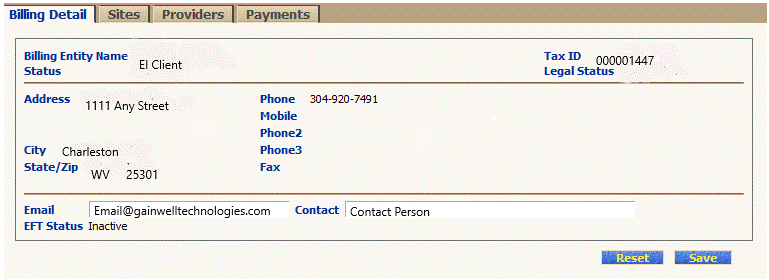
Use this exercise to view detailed information about a billing entity provider by site.
Complete the following steps to finish this exercise:
On the Provider Account Management pull-down menu, select the Billing Entity menu option.
The Billing Entity Detail page displays.
Click the Sites tab. The Billing Entity Sites page displays.
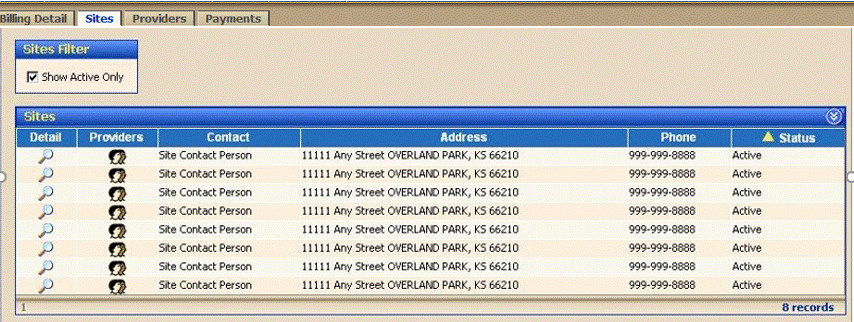
Click the Providers icon next to a specific site in the Sites table. The Billing Entity Provider List by Site page displays.
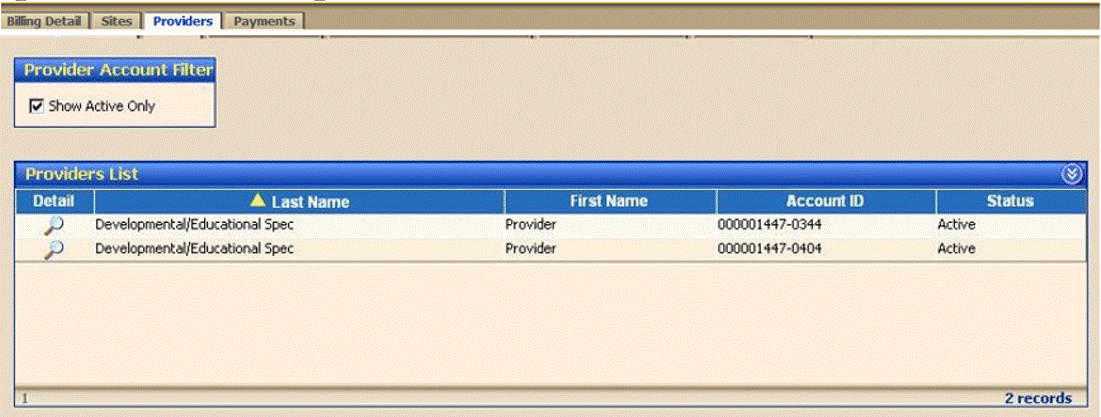
Click the  icon in the Detail column for a specific provider. The Provider Account Detail page displays.
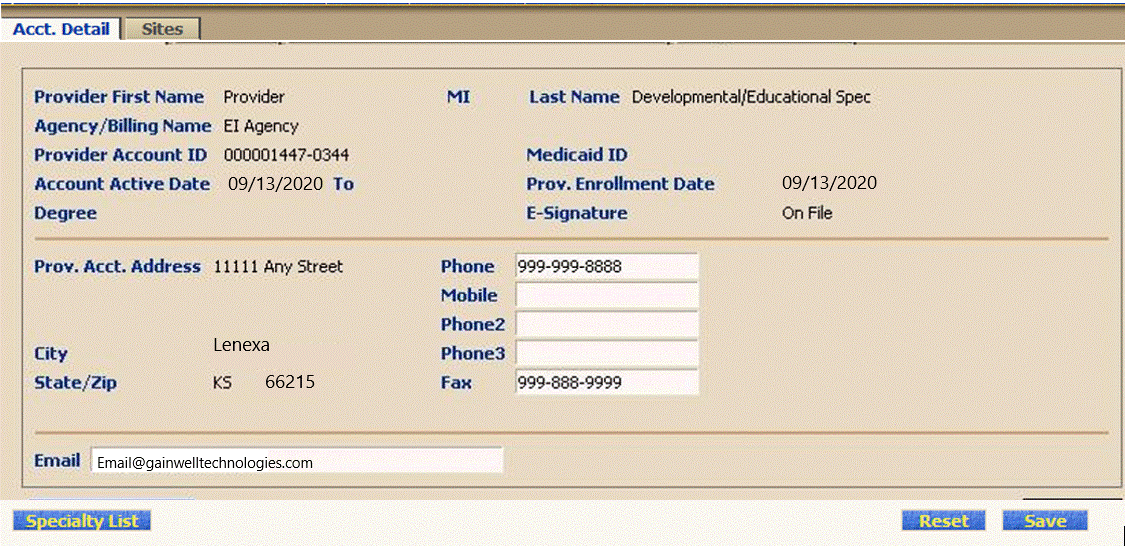
View the provider's detail information.
 Tip: The information displayed on this page is read-only and cannot be changed.
Copyright 2021, Gainwell Technologies. All rights reserved.